


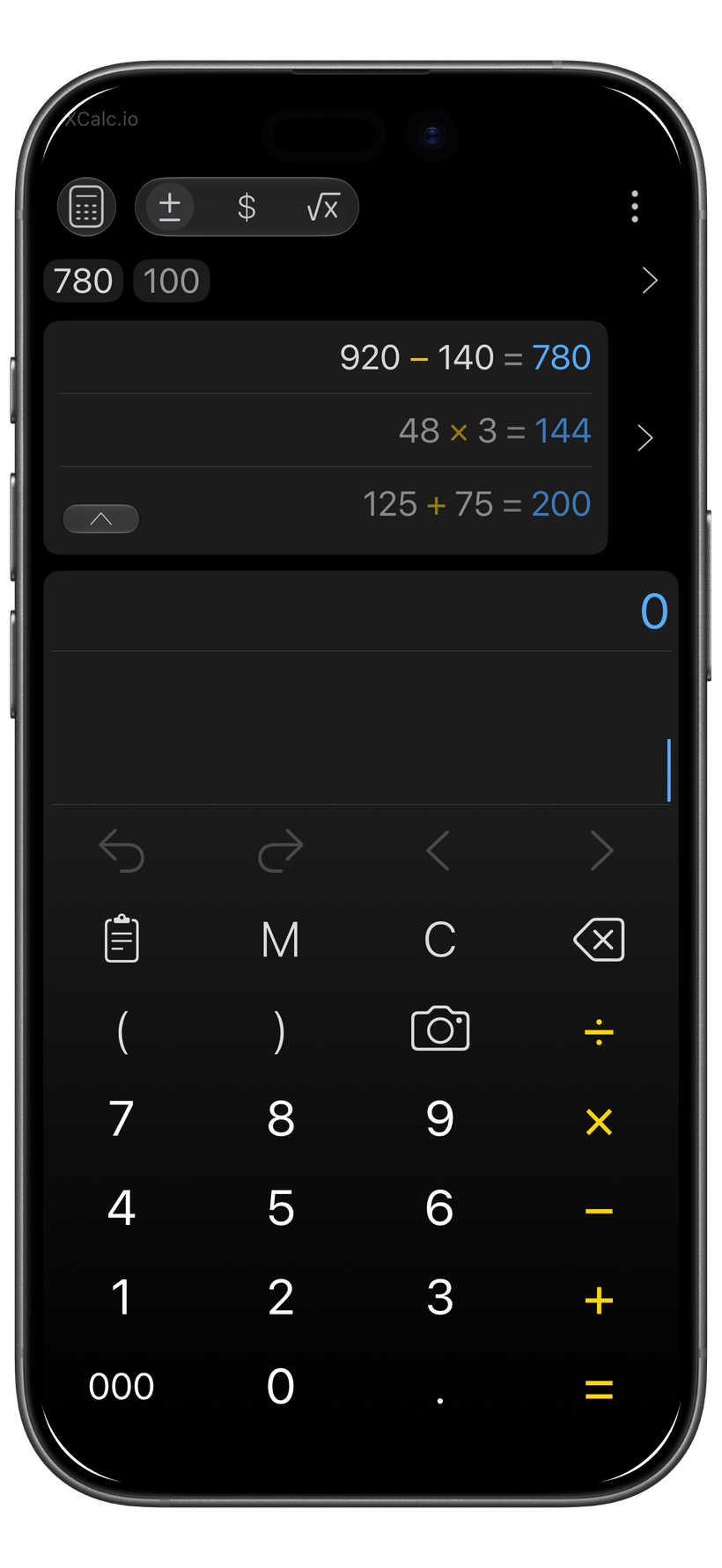
XCalc began with a simple promise: numbers should never be hard to see or use. It was shaped by the difficulty of moving numbers from screens, price tags, or reports into calculations. Typical calculators put History on another screen, keep memorized values out of sight, and ask users to retype numbers they can already see. XCalc connects the flow: scan and review a number, use it right away, revise the calculation, and return to saved work without rebuilding it. A calmer, clearer way to work with numbers.
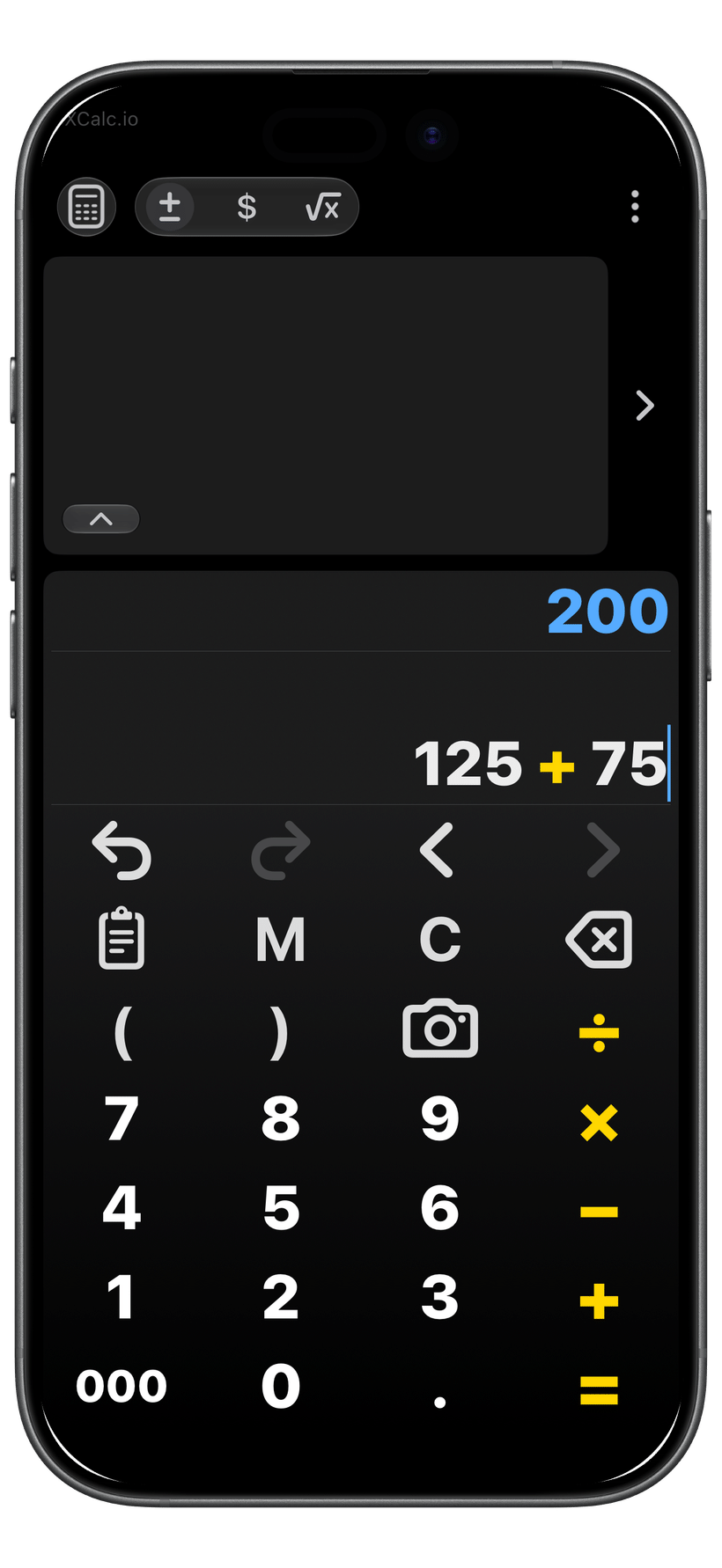
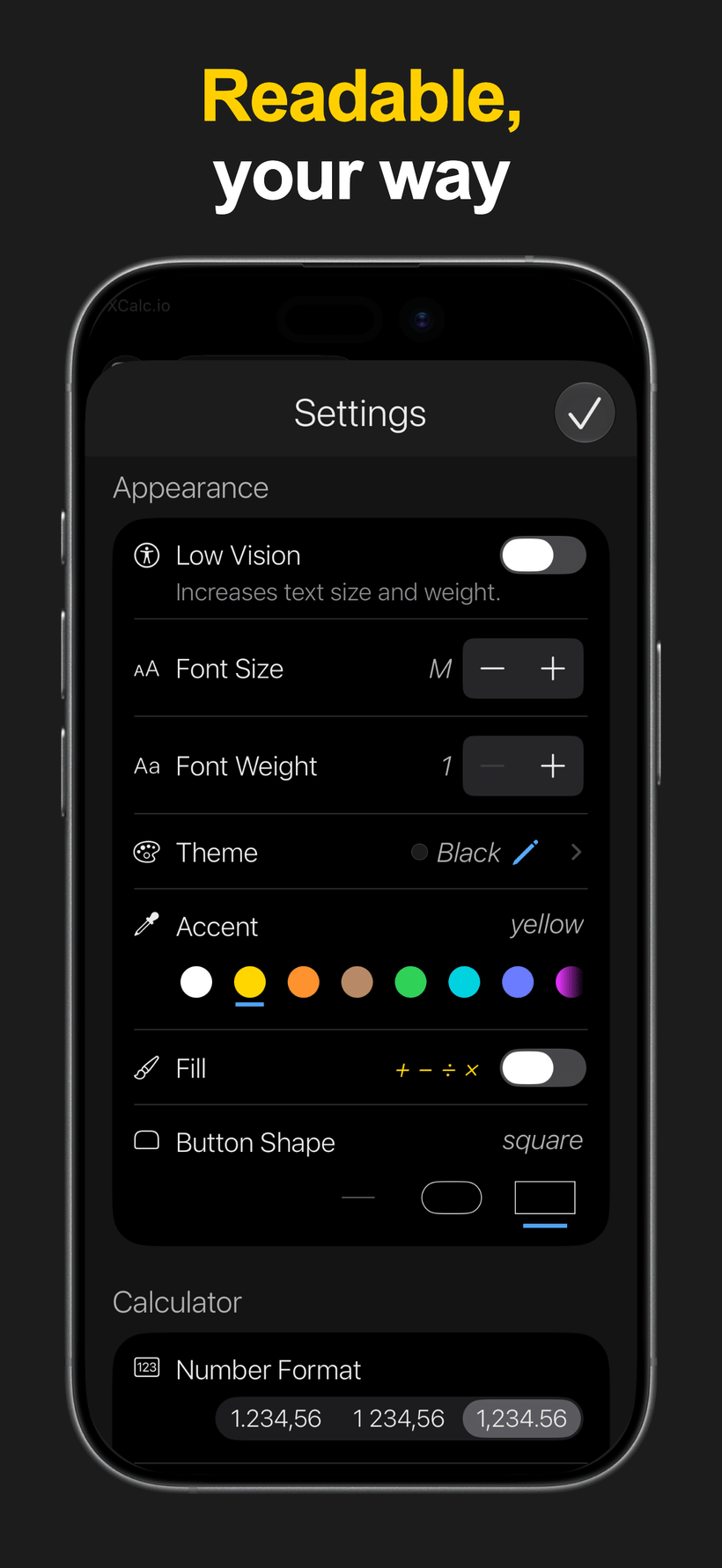
Low Vision Mode, larger text, stronger font weight, button-shape options, operation-key emphasis, and high-contrast appearance choices help make XCalc easier to read.
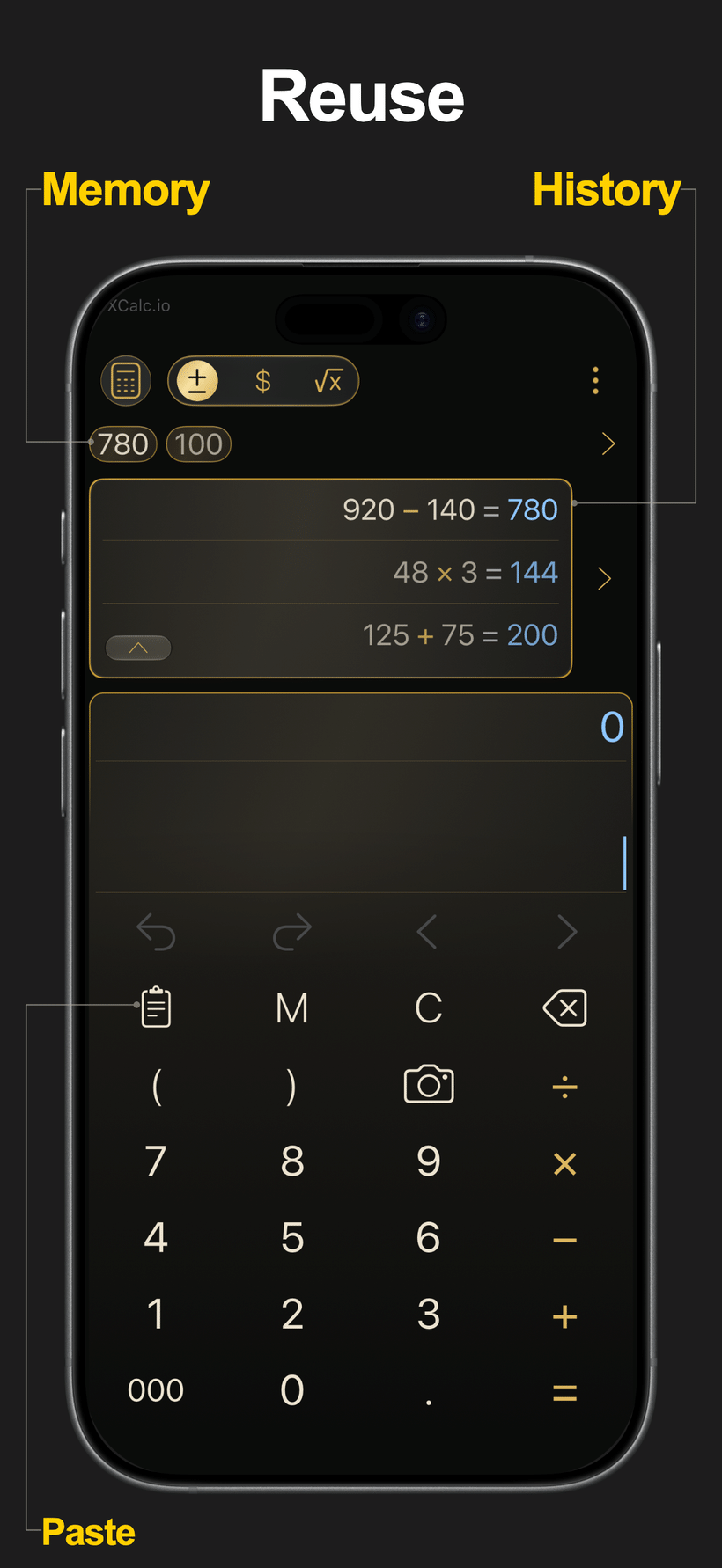
Use History and Memory to revisit calculations, reuse saved values, copy results, and return to previous work when you need it.
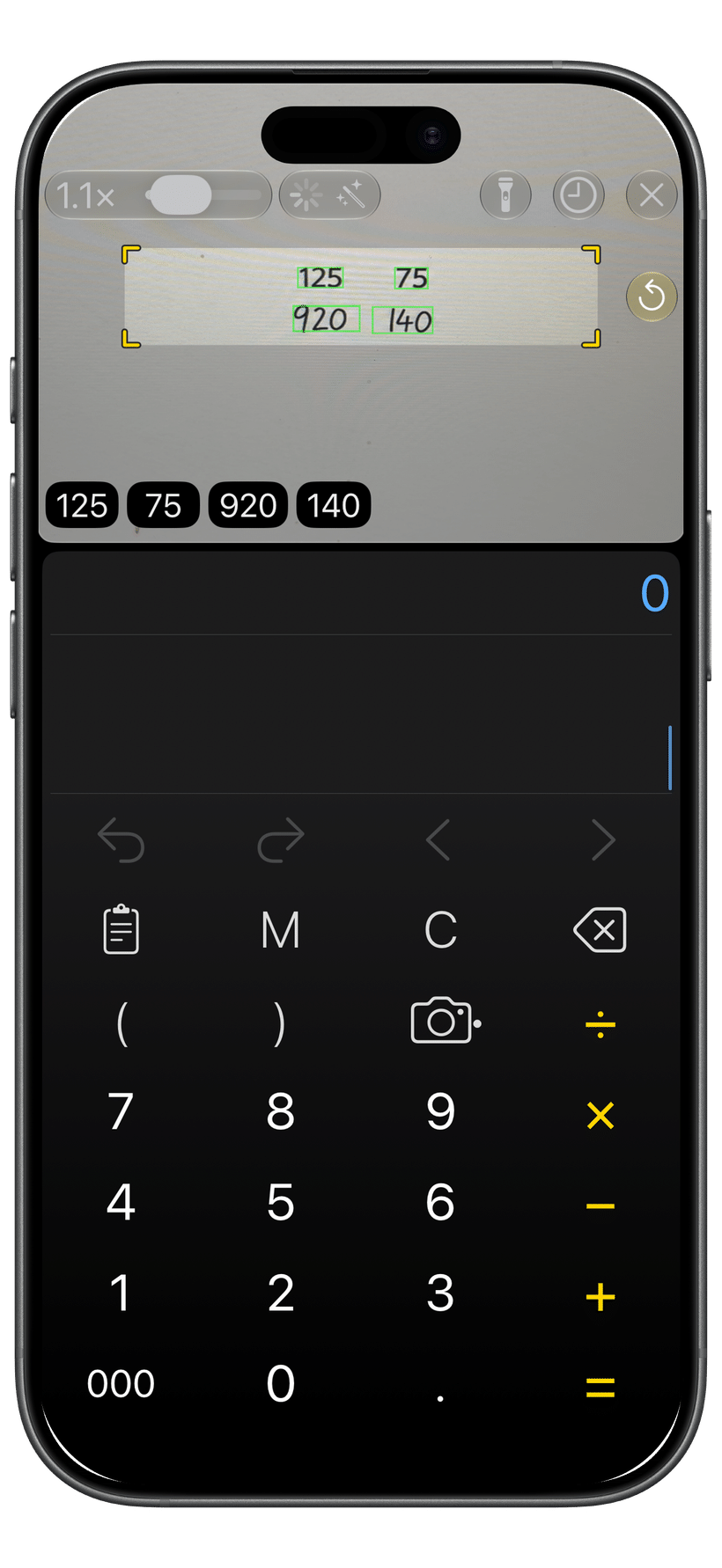
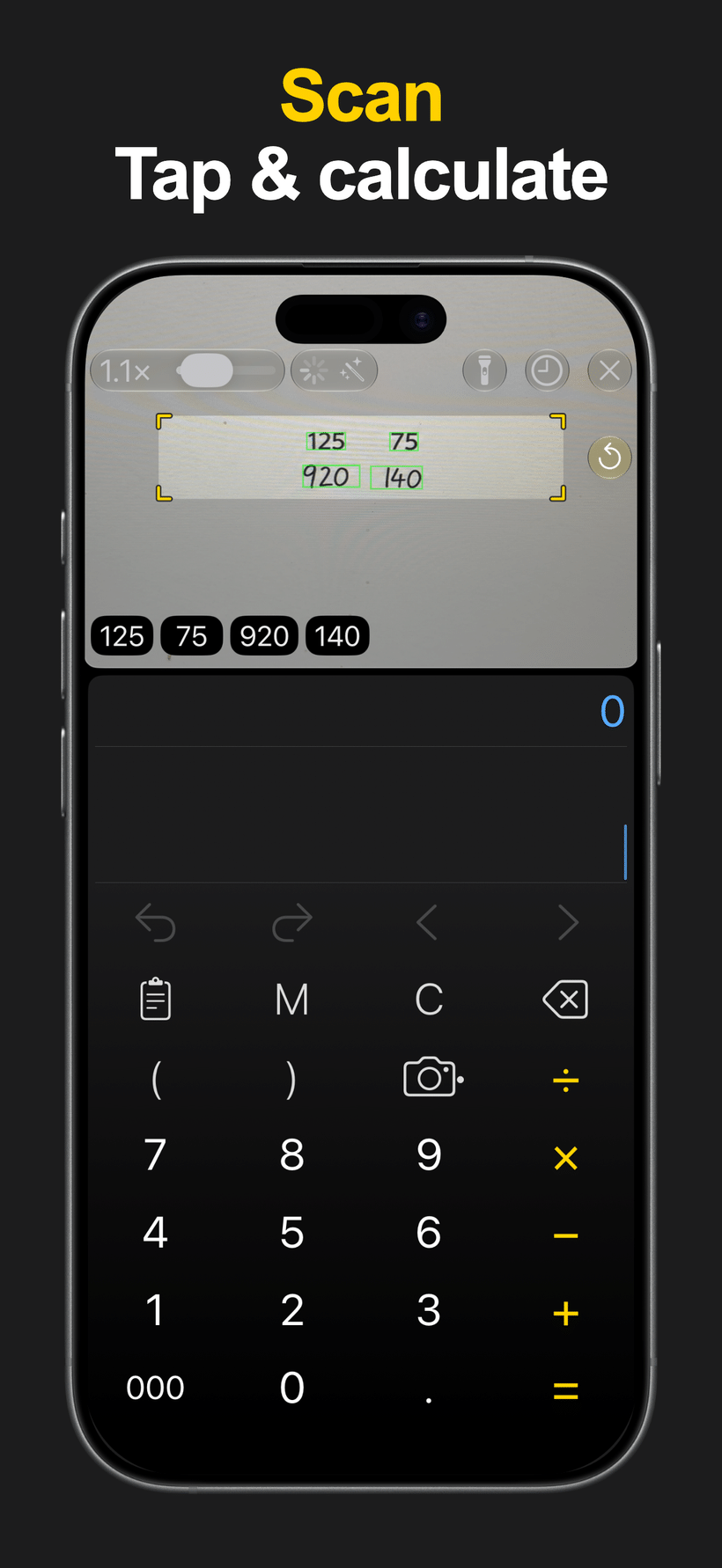
Use Camera Number Scanner to scan, review, and insert numbers, or paste values from copied text when you do not want to retype.
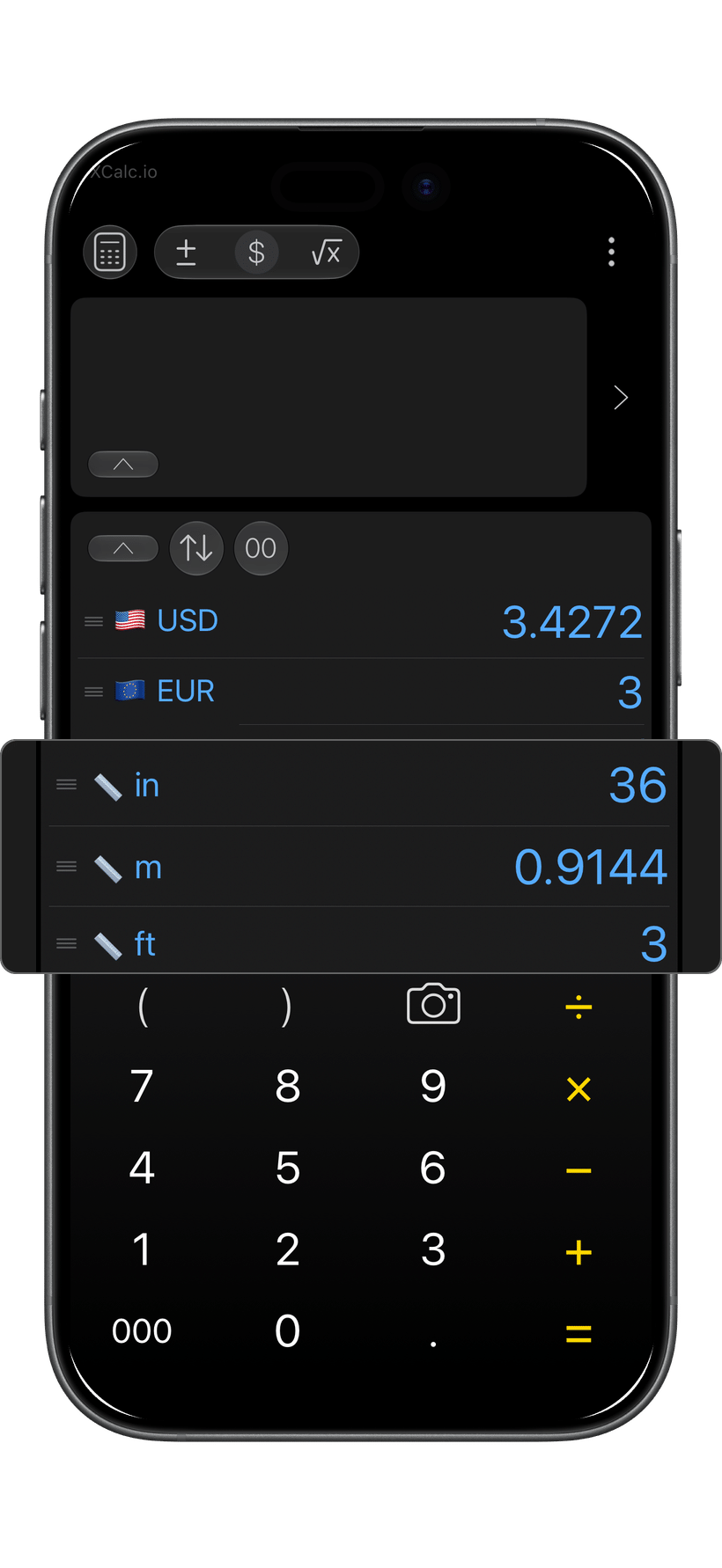
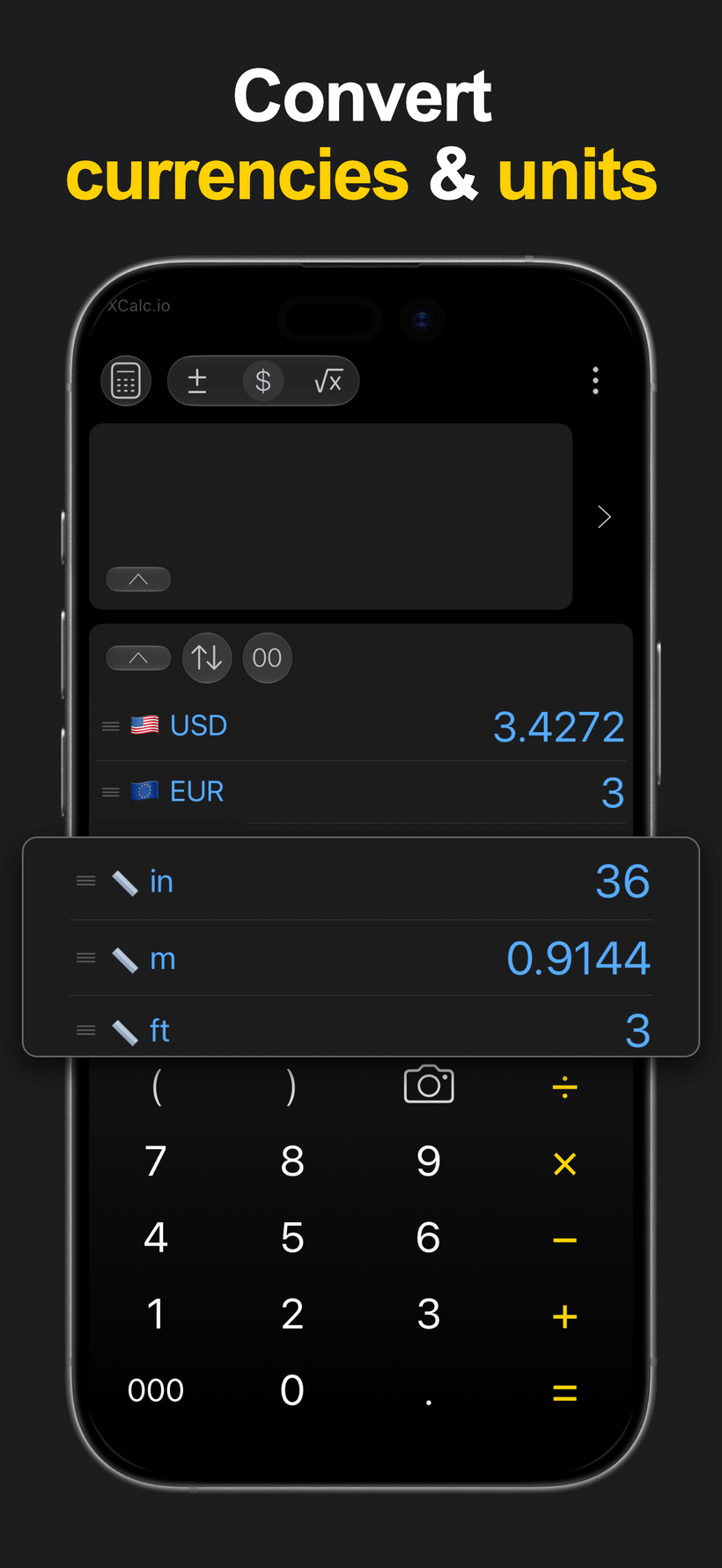
Convert currencies and units in focused converter workflows with favorites, recent choices, and quick comparison tools where available.
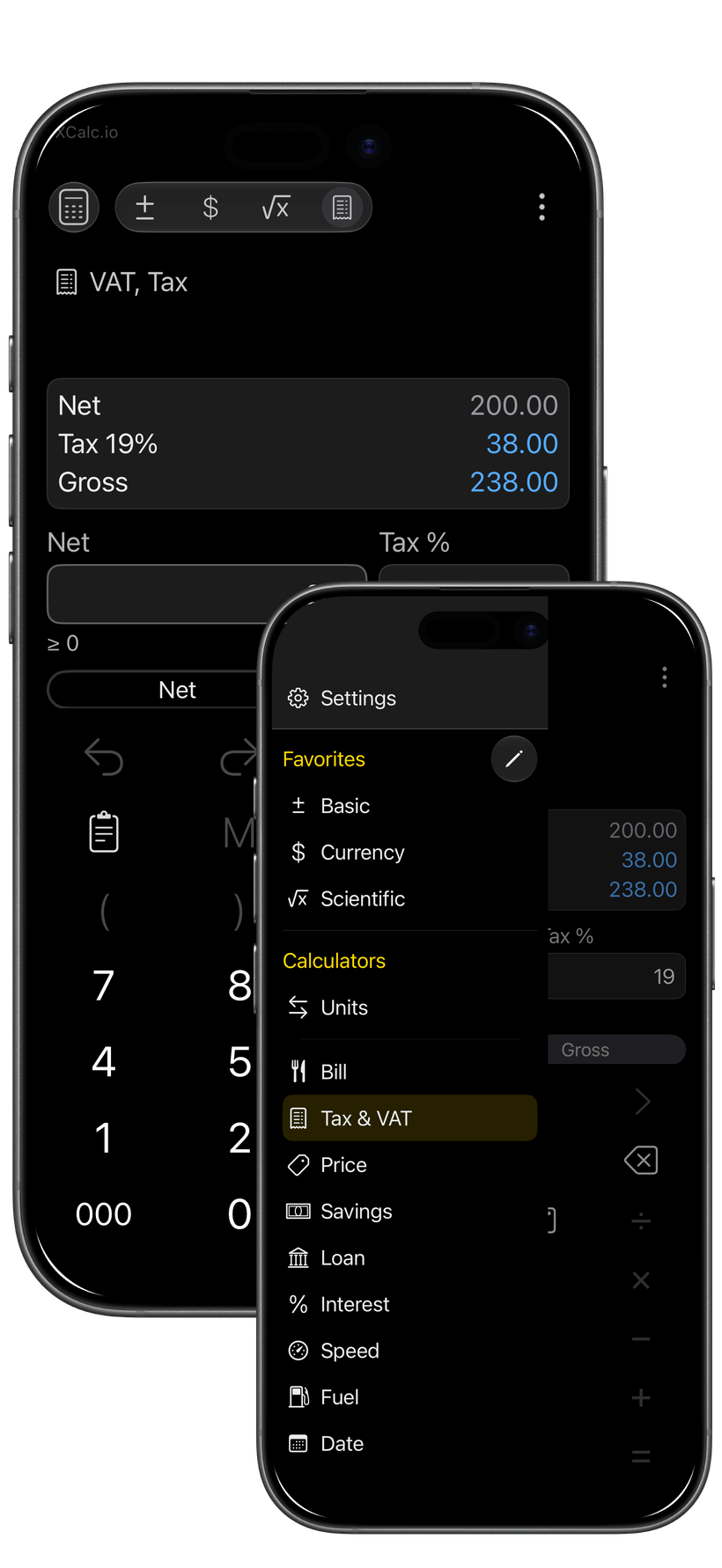
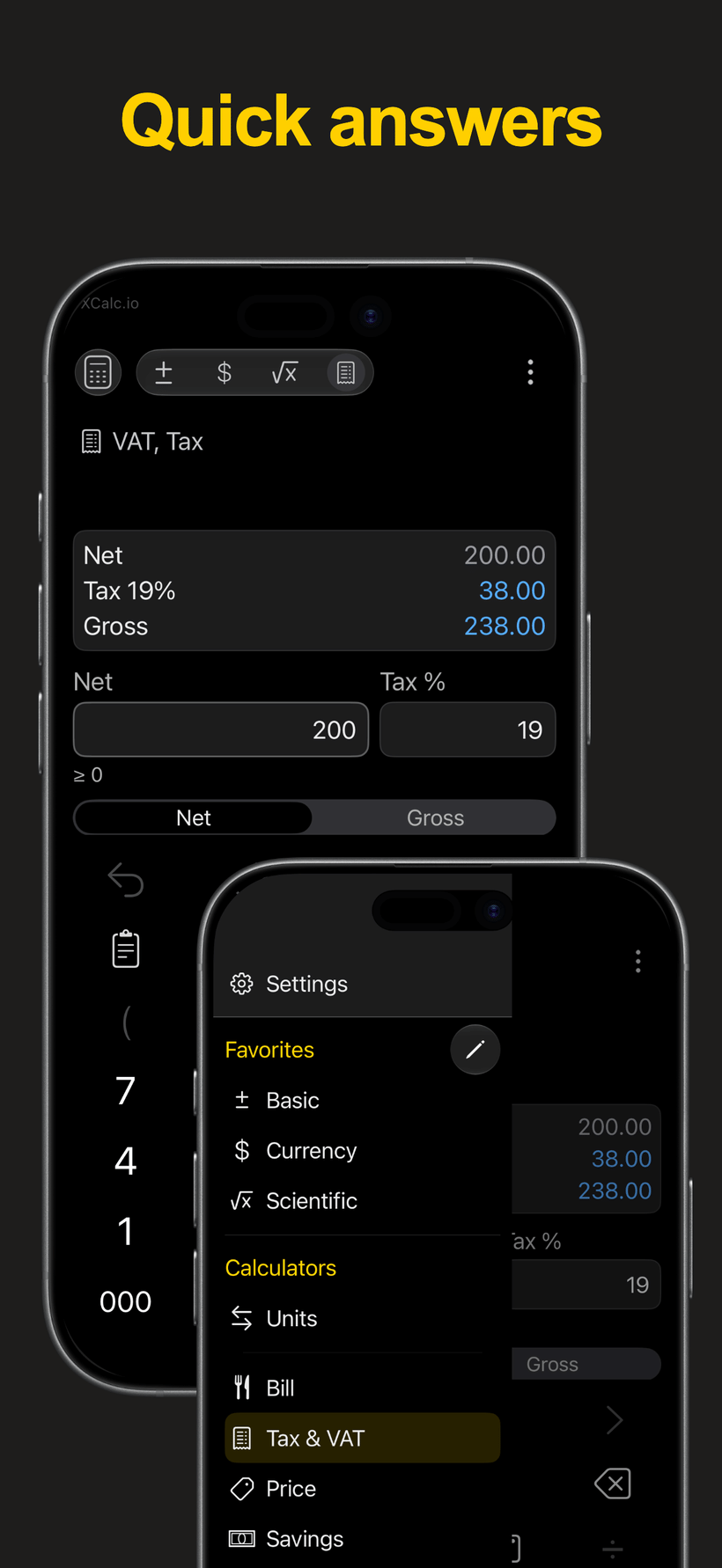
Use focused calculators for Bill / Tip, VAT / Tax, Price Change, Savings, Loan, Interest, Speed, Fuel, and Date.
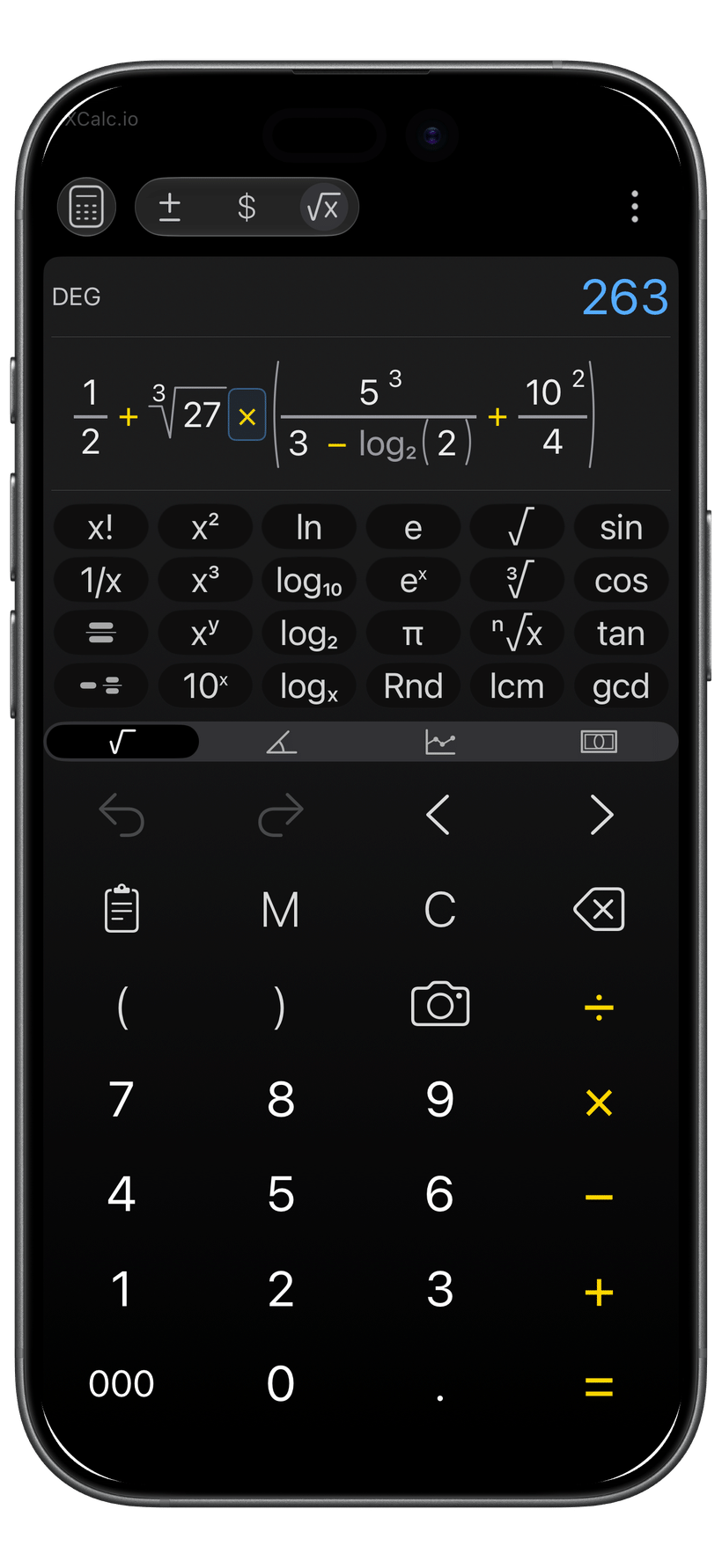
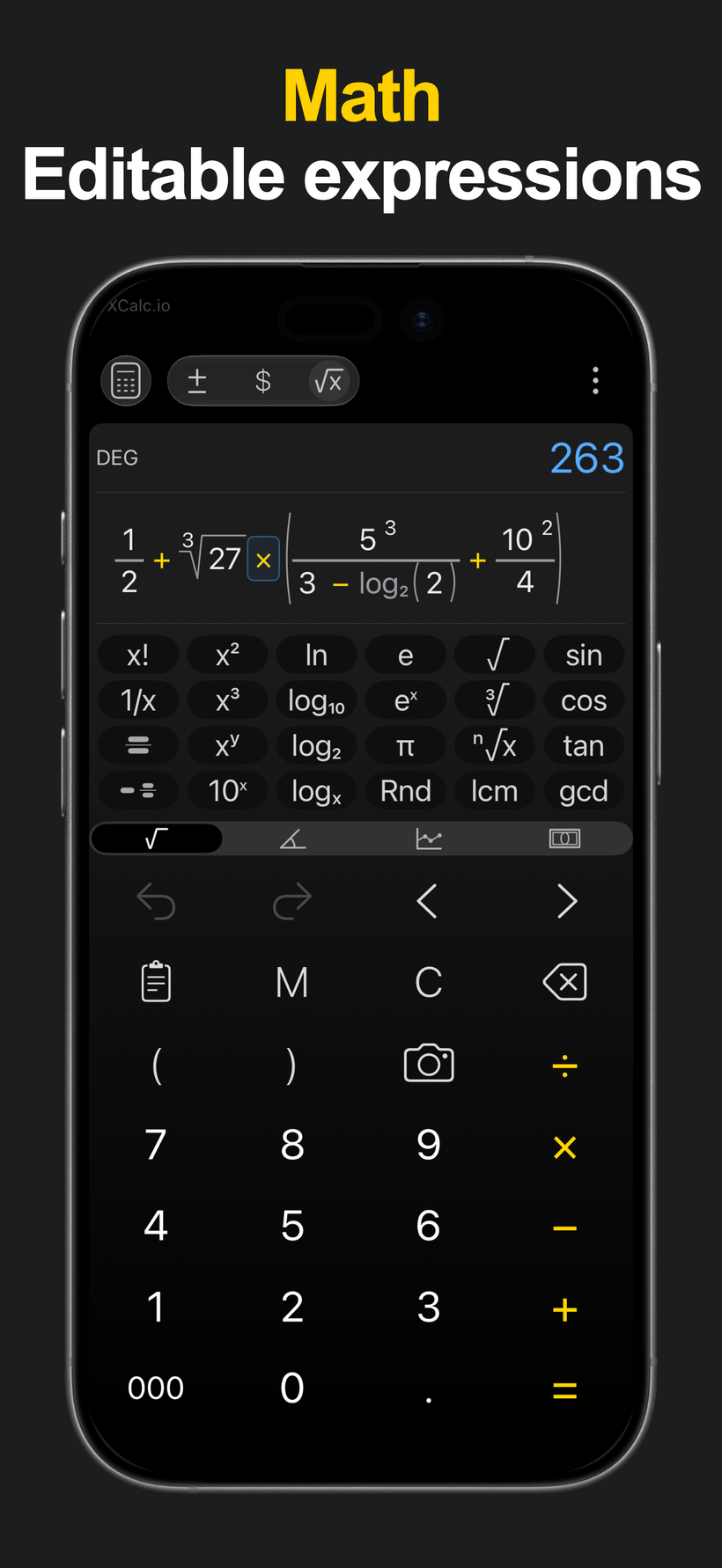
Use Math Mode to build editable expressions with fractions, roots, powers, constants, logarithms, trigonometric functions, and supported scientific-style functions.
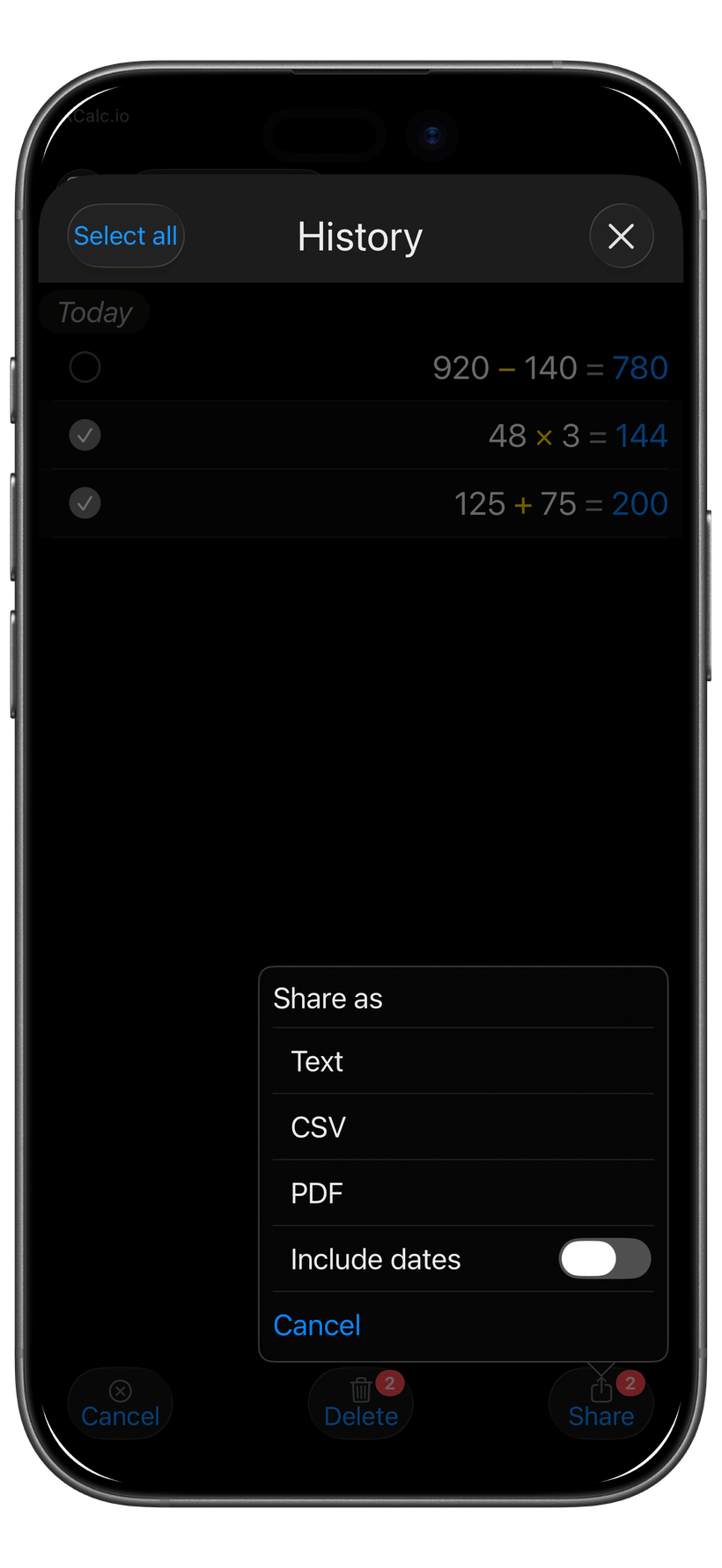
Share useful History and Memory items where available, with practical formats such as Text, CSV, and PDF.
Tune XCalc with Low Vision Mode, larger text, stronger font weight, button-shape options, operation-key emphasis, number formatting, themes, and accents.
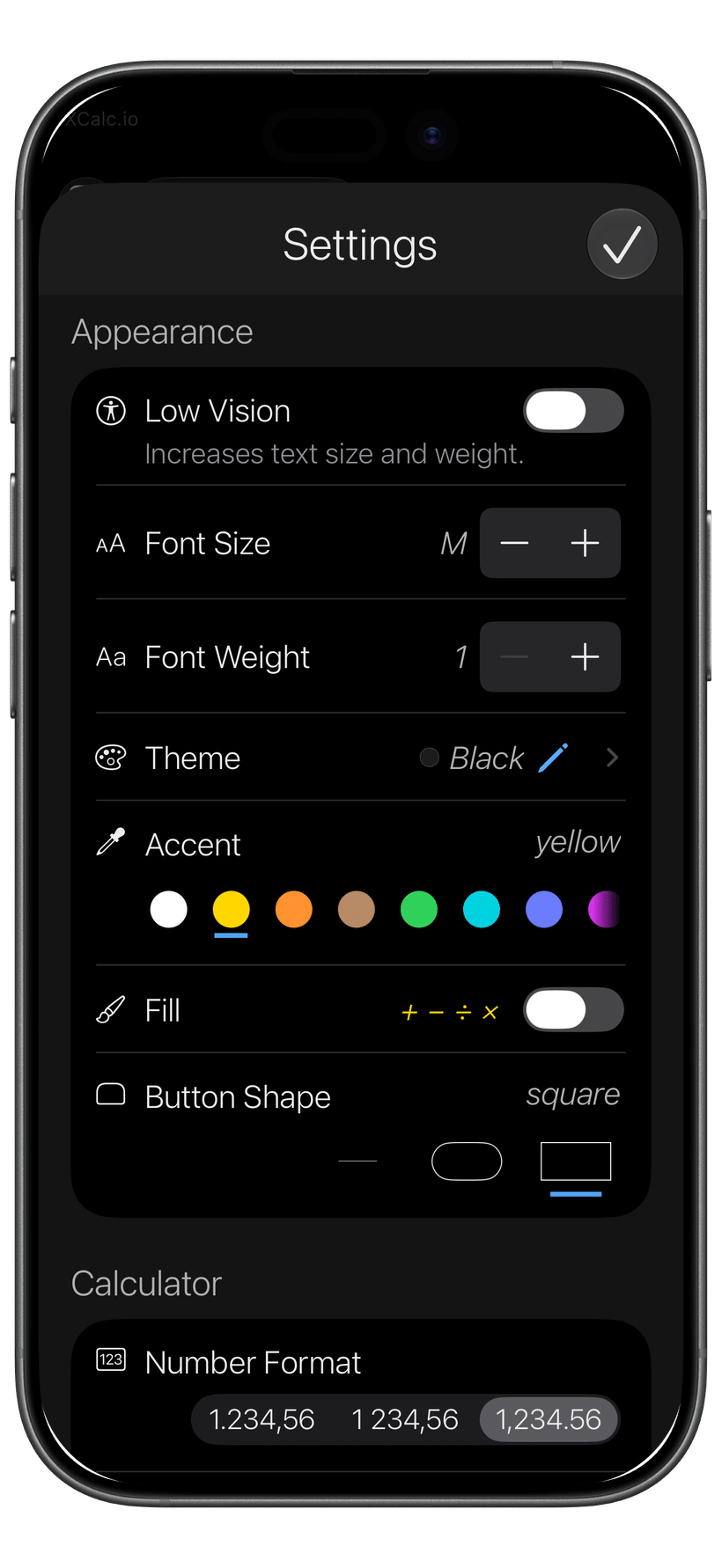
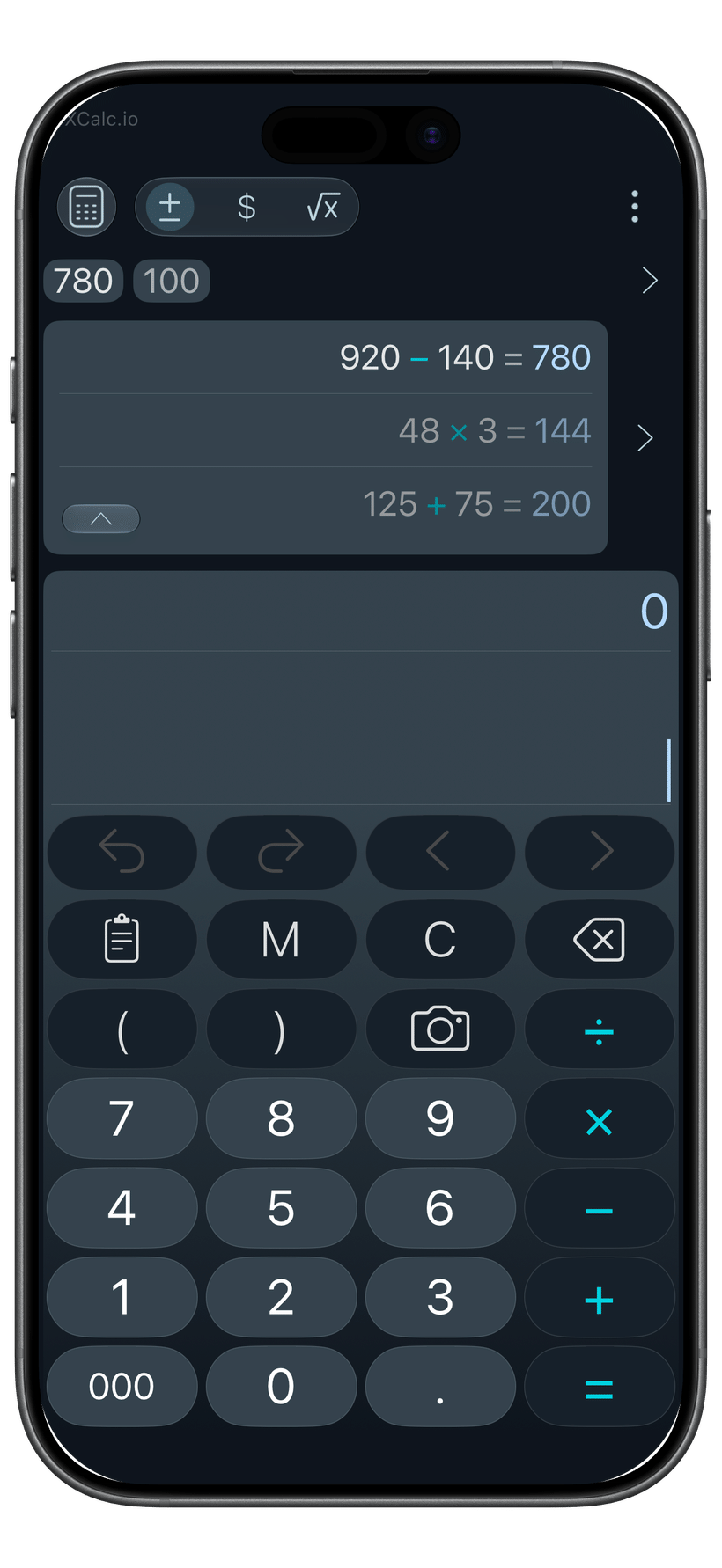
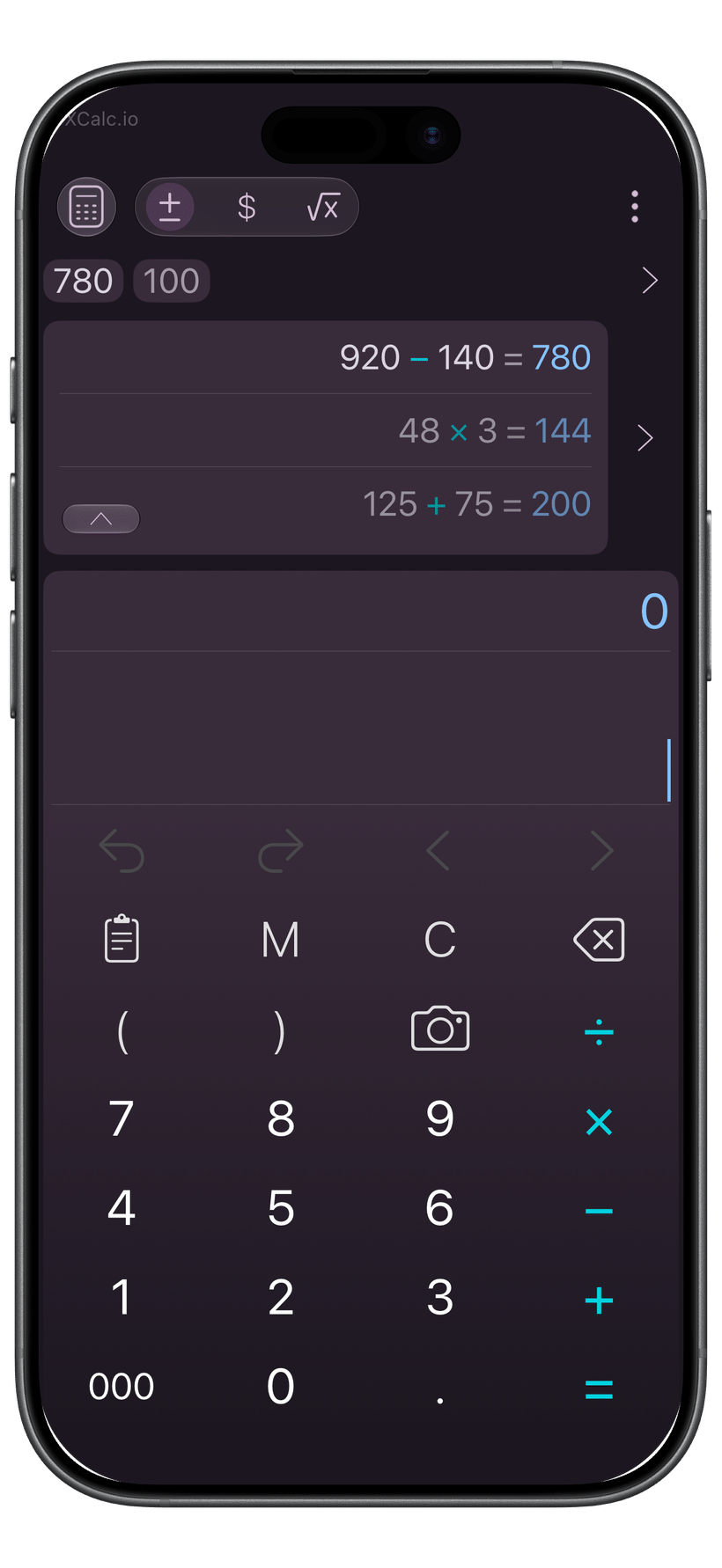
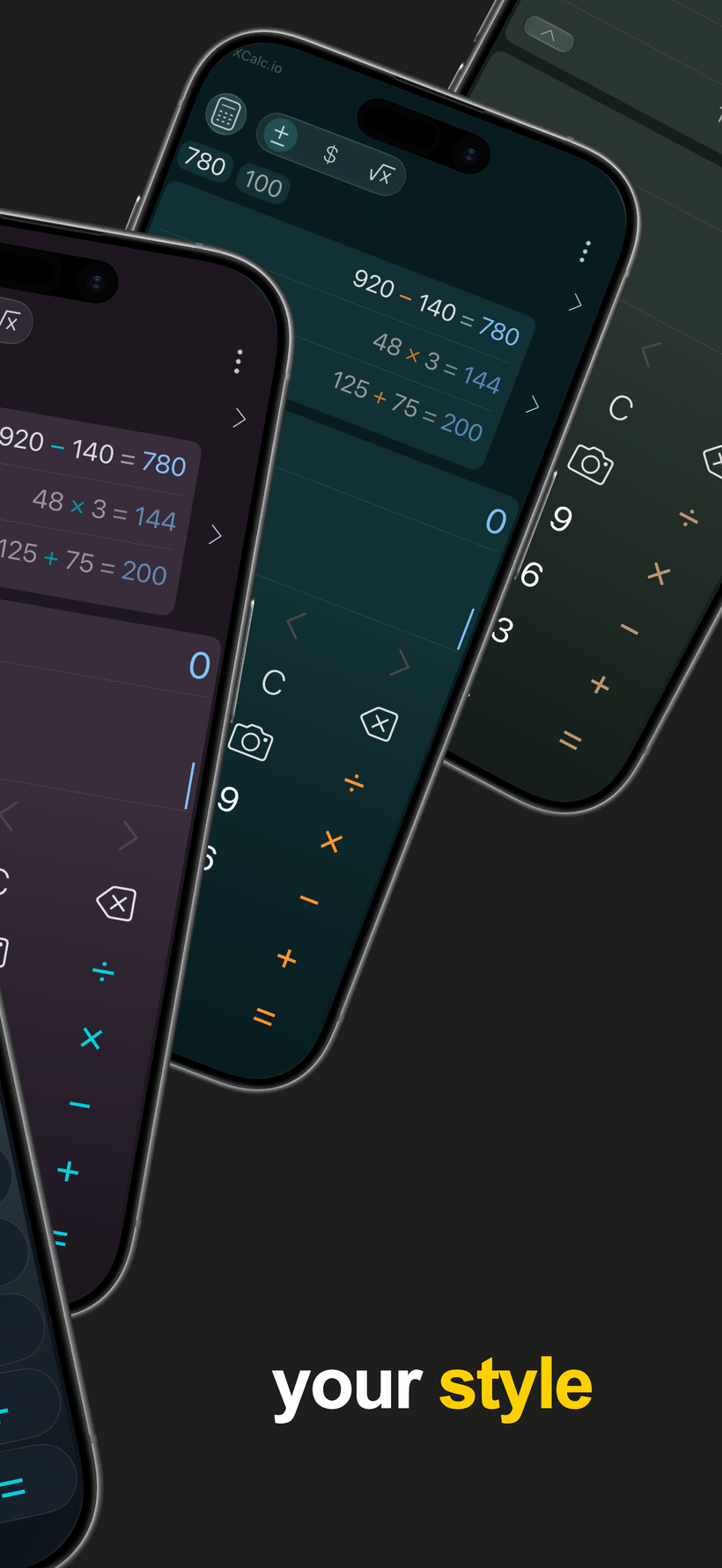
Choose themes and accents that fit the way you like to work. XCalc Pro unlocks Pro themes and custom accents.
Use XCalc on iPhone, iPad, and Apple silicon Mac. Supported external-keyboard input and discoverable Command shortcuts make calculation and editing faster on iPad and Apple silicon Mac. On Apple Watch, keep everyday calculations close, edit with the Digital Crown, undo or redo, and reuse calculations from Watch History.
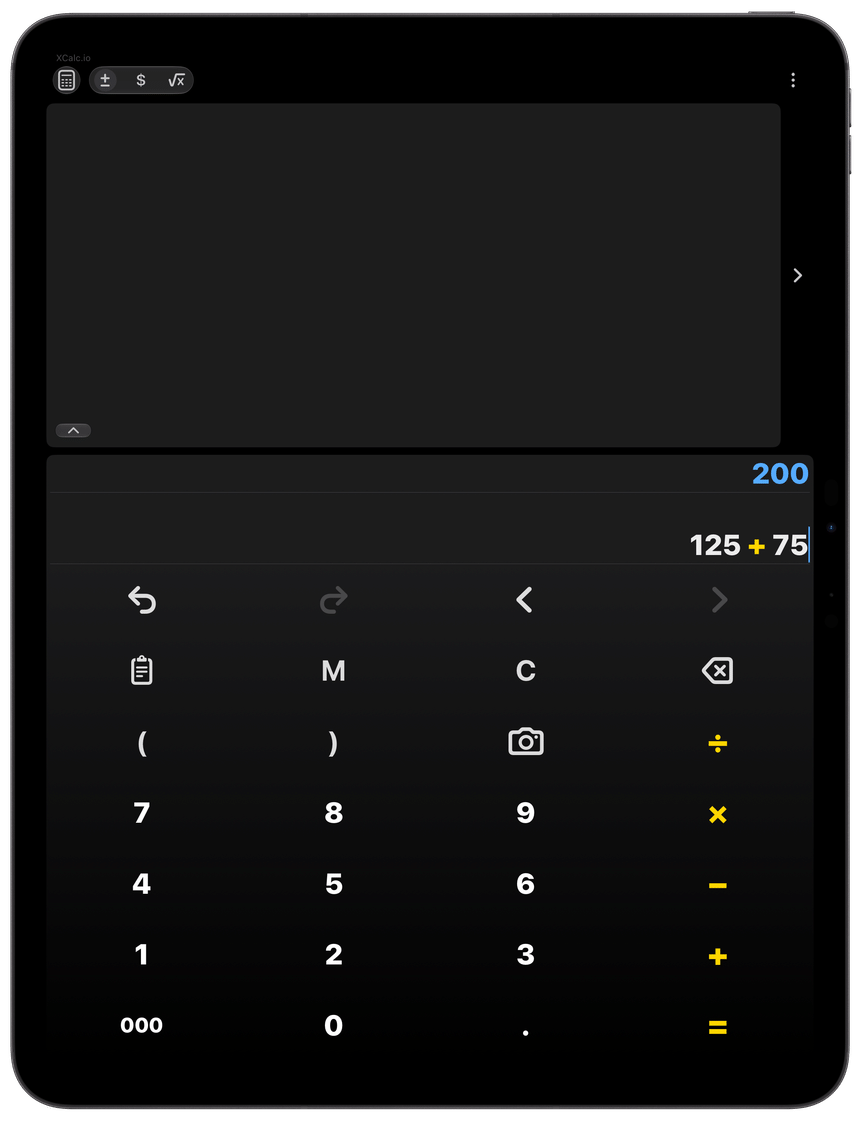

See how XCalc.io brings together calculation, converters, scanner input, editable calculations, sharing, readability controls, and themes.
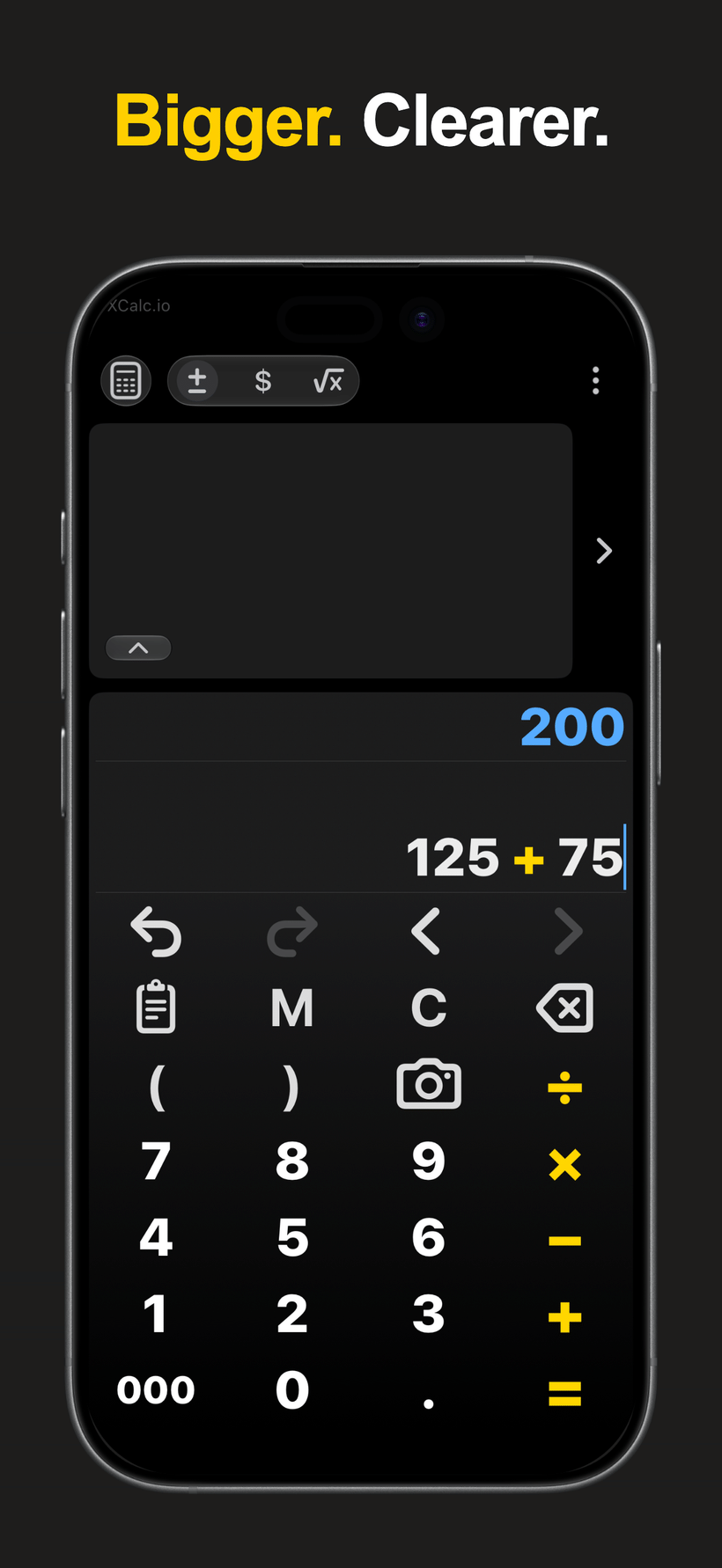
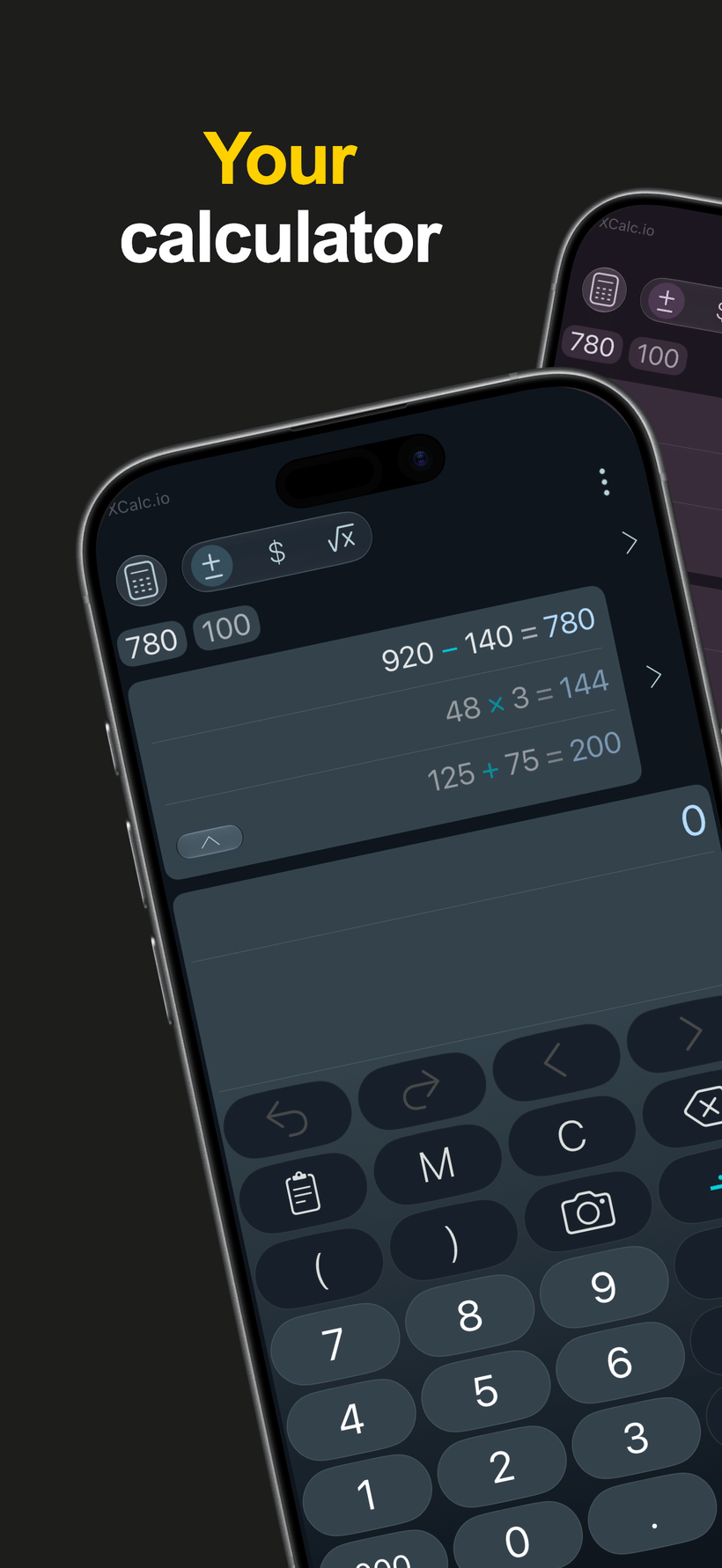
Yes. XCalc.io is built for editable calculation workflows. You can move the cursor through supported input, revise entries, use Undo and Redo where available, and build editable Math expressions instead of starting over.
Yes. XCalc.io includes currency and unit converter workflows with favorites and recent choices.
Camera Number Scanner lets you point the camera at numbers, scan them, review the recognized values, and tap to insert them into XCalc without retyping.
Yes. Math Mode lets you build editable expressions with fractions, roots, powers, constants, logarithms, trigonometric functions, and supported scientific-style functions.
XCalc.io includes Low Vision Mode, larger text, stronger font weight, button-shape options, operation-key emphasis, and high-contrast appearance choices to help make calculation easier to read.
Yes. XCalc is free to download and contains no ads. You can start calculating, converting, and exploring XCalc without upgrading. The Free version includes the everyday calculator experience, Low Vision Mode, and VoiceOver support. History, Memory, Camera Number Scanner, Paste Numbers, converters, and export are also available. Some Free usage limits apply, but no purchase is required to continue using XCalc.
For users who want the full XCalc experience, XCalc Pro removes the Free usage limits for History, Memory, Camera Number Scanner, Paste Numbers, converters, and export. It also unlocks Pro themes and custom accent colors. It is a one-time purchase with no subscription.
Still have a question? Contact support
Get updates on new features, major releases, and what’s next for XCalc.